Vehicles
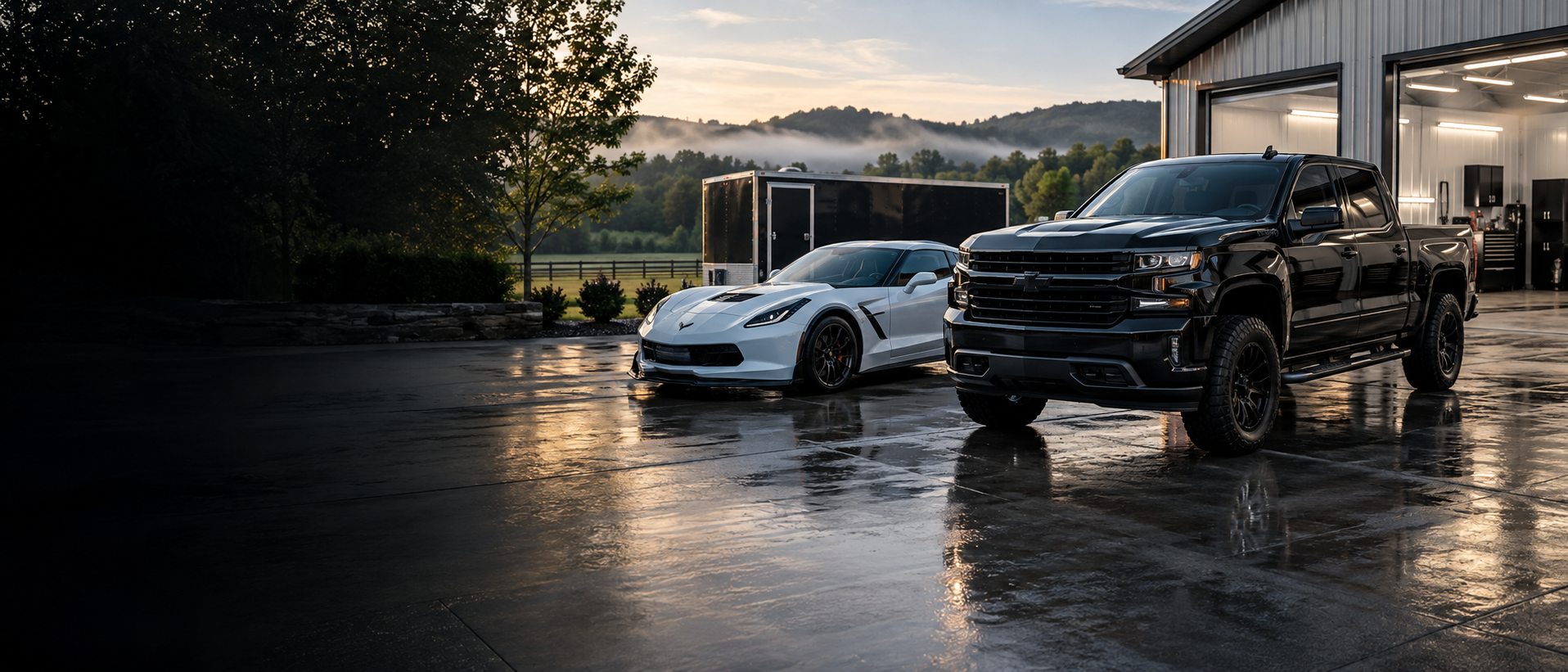
Cars, trucks, SUVs, family vehicles, and work vans.
HARTSVILLE, TENNESSEE
Professional detailing at our shop or brought to you. Vehicles, equipment, ATVs, UTVs, and boats.
No online forms—talk directly with us.I can do all things through Christ which strengtheneth me.
Philippians 4:13 (KJV)
WHAT WE CLEAN
Cars, trucks, SUVs, family vehicles, and work vans.
Skid steers, excavators, tractors, and other machinery.
Bring us the mud. We will bring back the clean.
Careful interior and exterior cleaning priced by size and condition.
EQUIPMENT · BOATS · ATVS & UTVS
Pricing is based on the size, condition, and service needed. Call or text us with a few details about what you need cleaned, and we’ll provide a personalized quote.
STRAIGHTFORWARD PRICING
Prices shown are starting prices and may vary by size and condition.
Full Detail
Interior + exteriorInterior Detail
A fresh start insideExterior Detail
Clean, shine, and finishFinal pricing for paint services depends on vehicle size and paint condition. Equipment, ATVs, UTVs, and boats are priced by size and condition.
WE BRING THE DETAIL TO YOU
We proudly travel throughout the surrounding area for mobile detailing. A mobile service fee applies and is based on the distance from Hartsville, Tennessee. Contact us for availability and an exact fee for your location.
ABOUT MAGNOLIA
Magnolia Detailing is a Christian-based, locally owned detailing business serving Hartsville and the surrounding area. Whether you visit our shop or need mobile service, our goal is simple: take pride in the work and treat every customer’s vehicle or equipment with care.
READY FOR A CLEAN RIDE?
Tell us what you need cleaned, the service you want, and whether you prefer shop or mobile service.
FOLLOW OUR WORK